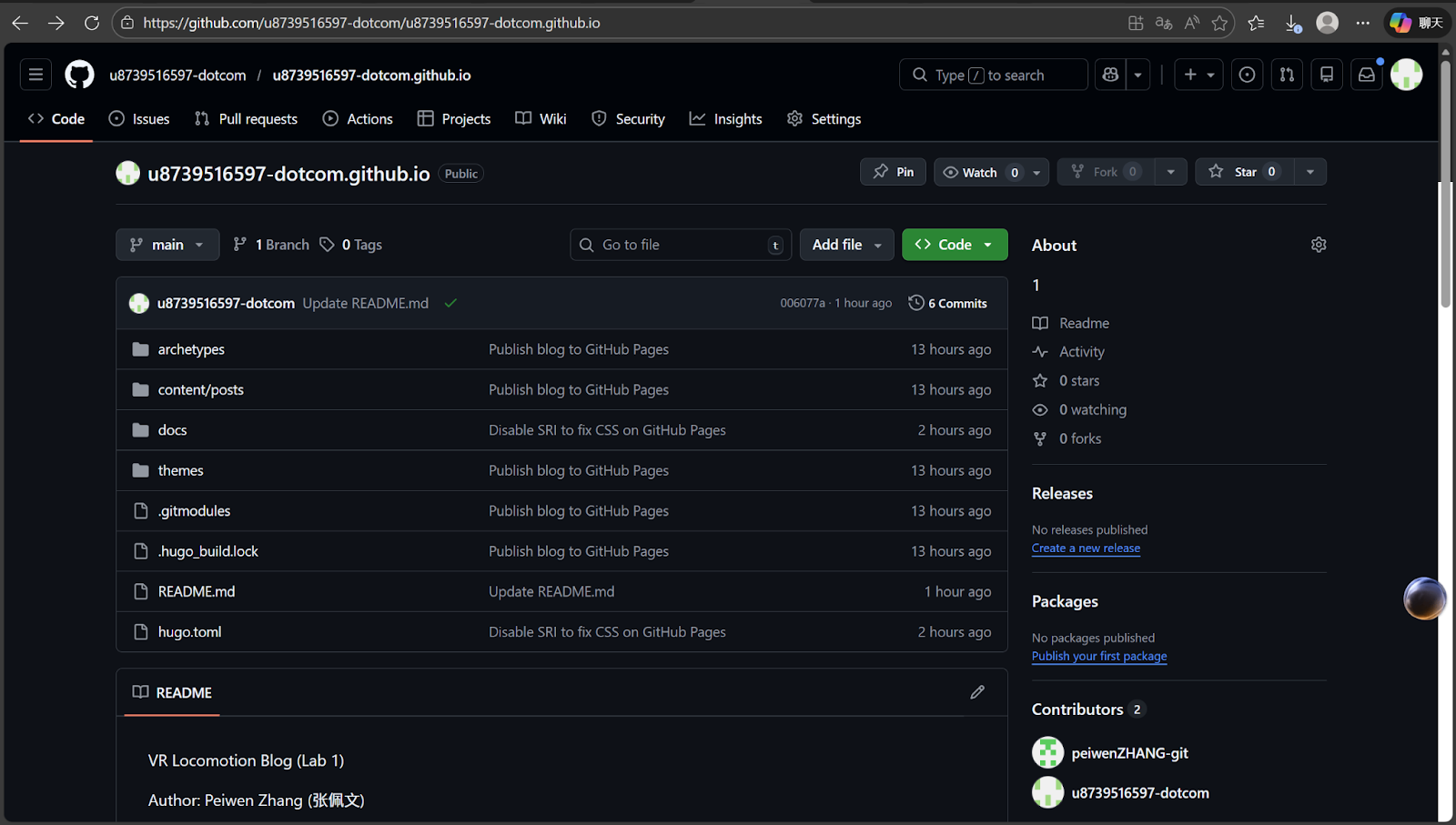
Authors: Peiwen Zhang
Université Paris-Saclay, HCI M1.
1. Final Result
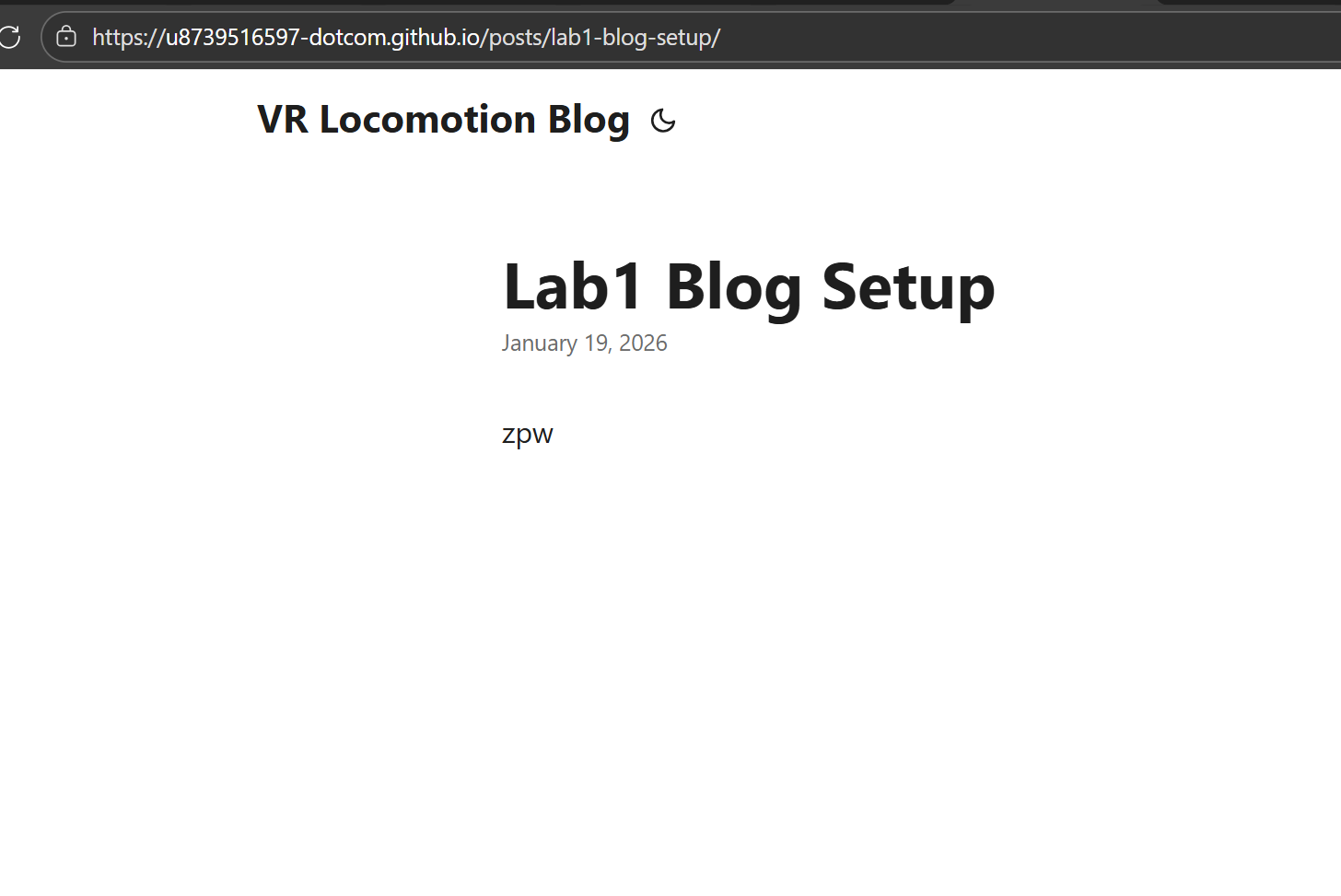
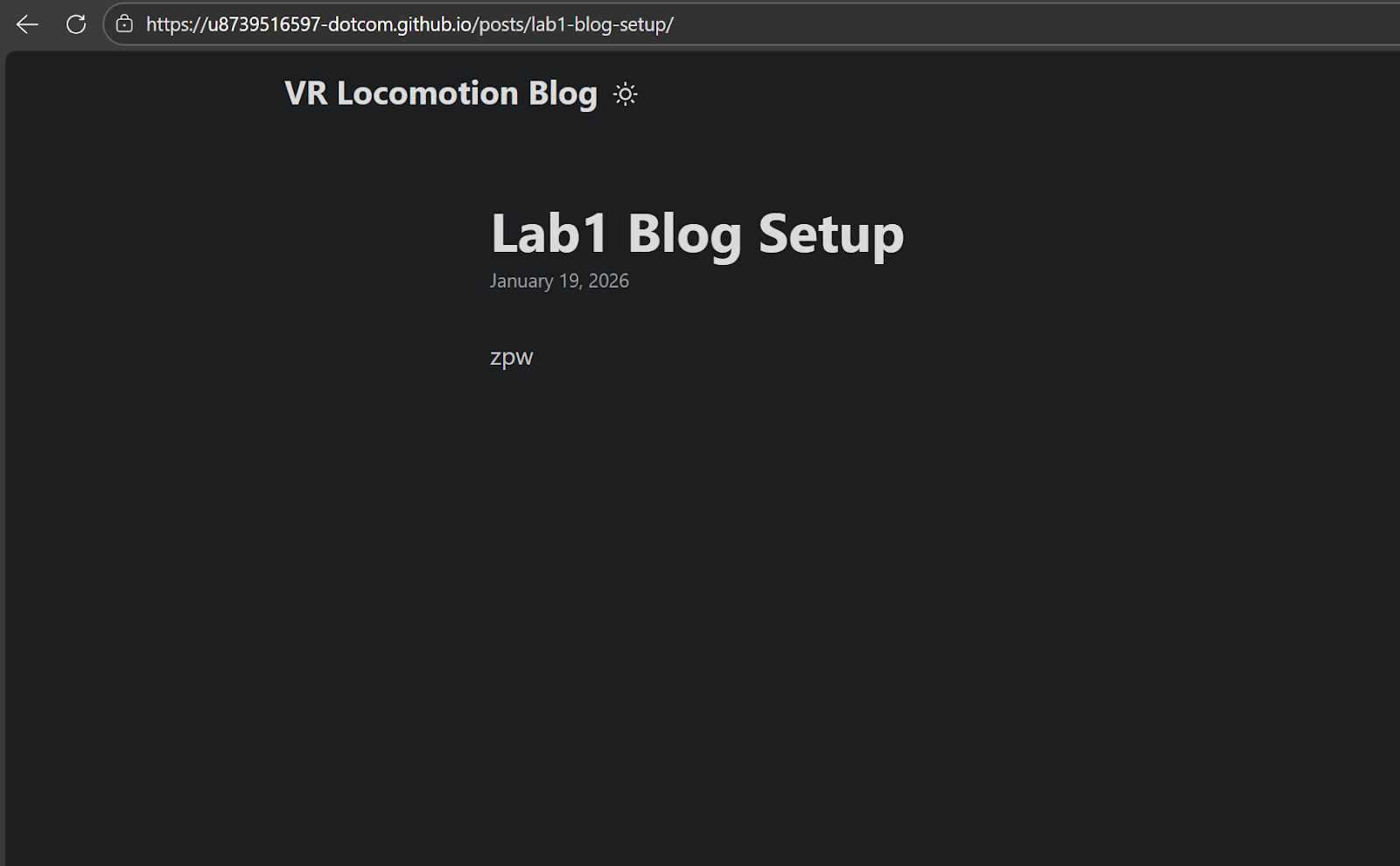
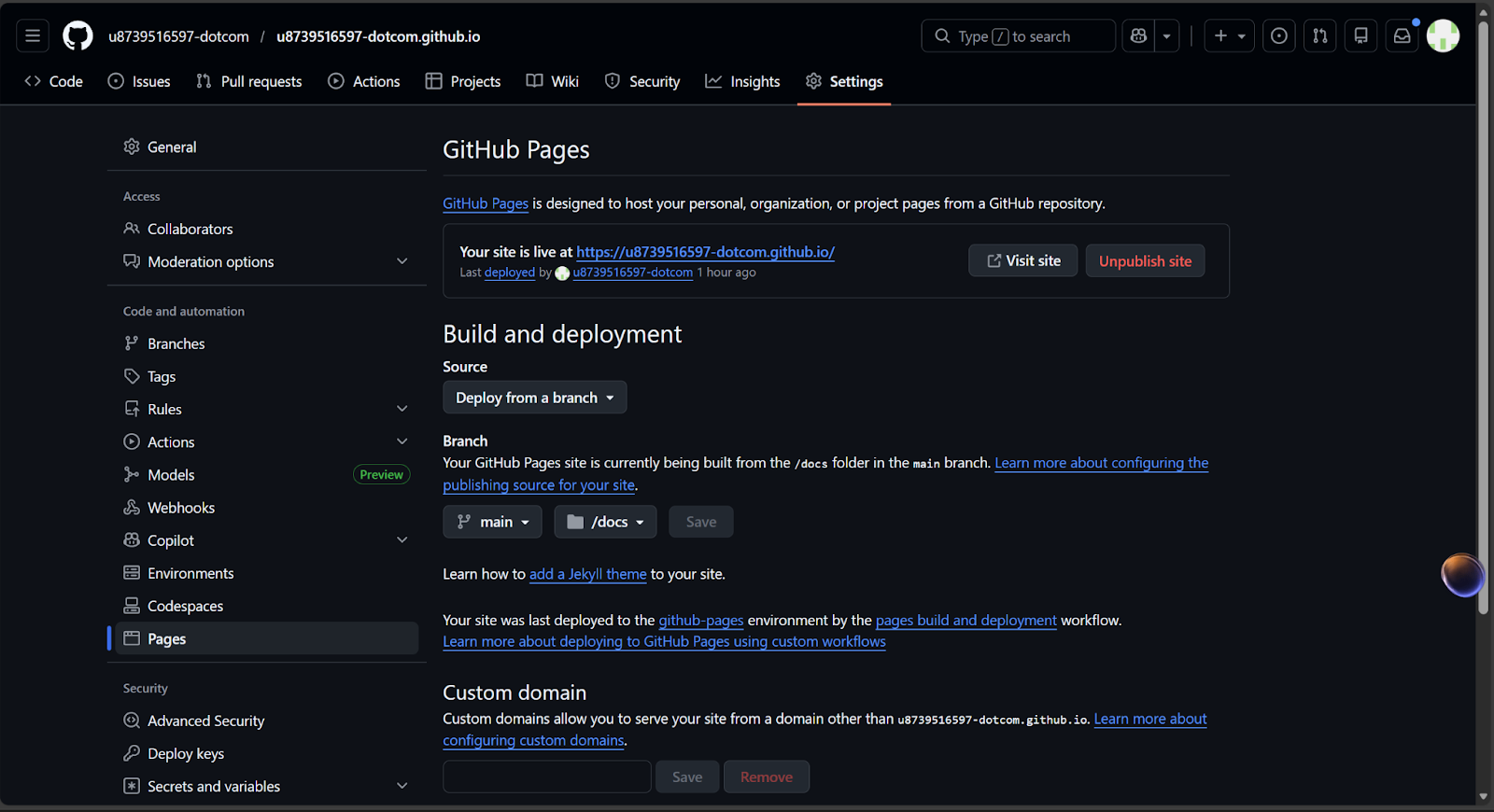
My group blog website is successfully online. It can be opened normally and the theme style is displayed correctly.
Website link:
https://u8739516597-dotcom.github.io/
2. Our Solution
I use **Hugo** as a static site generator, use **PaperMod** as the theme, and publish the website by **GitHub Pages**.
3. Project Structure and Publishing Method
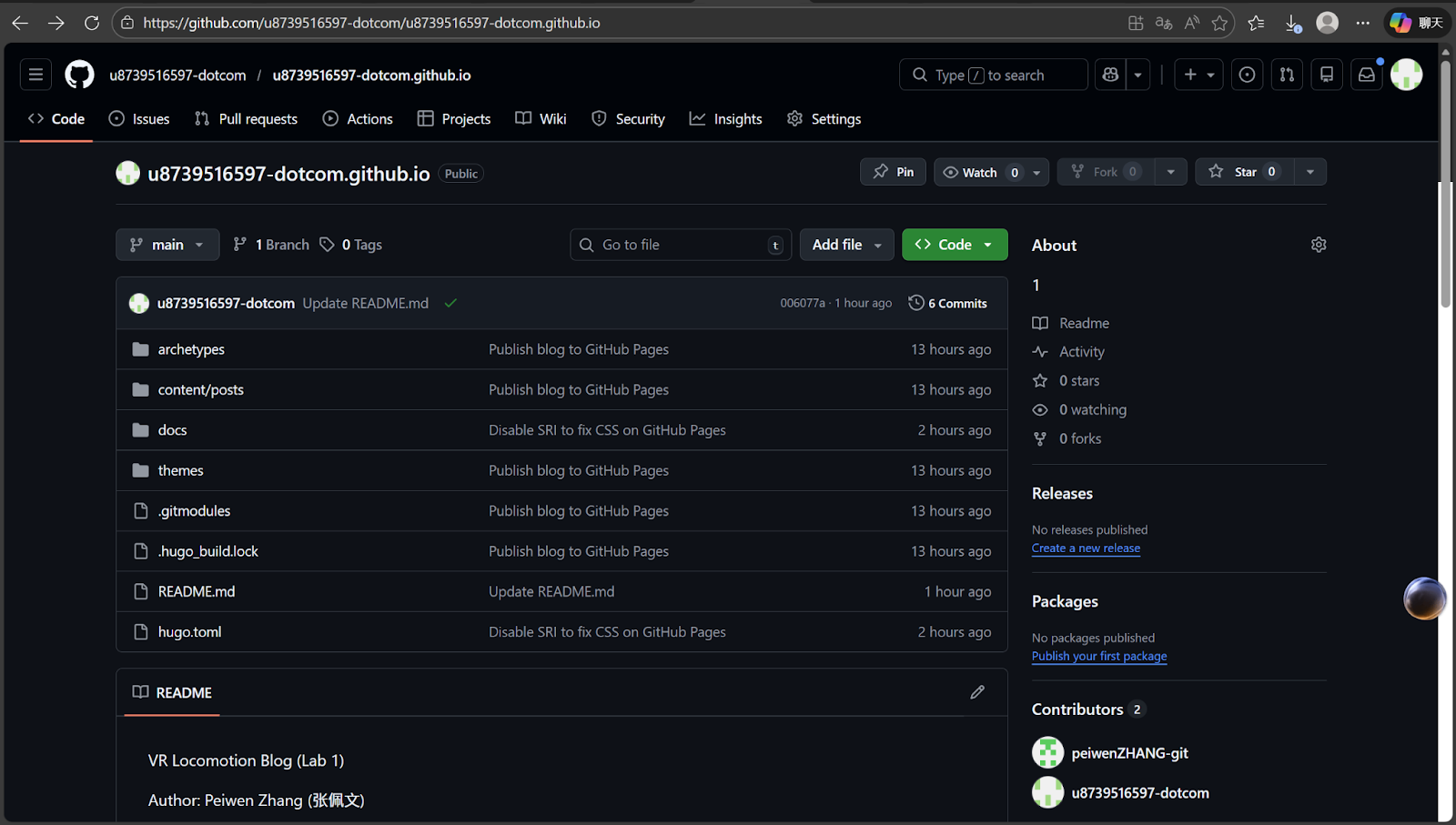
My repository includes two main parts:
1) Hugo source files
These files are used to write posts and configure the website, including the content folder, the themes folder, and the Hugo configuration file.
2) Generated static website files (docs)
The generated static website is placed in the docs folder. GitHub Pages publishes the website from the docs folder in the main branch.
Our publishing workflow is:
After I update content or configuration locally, I generate the website into docs, then commit and push to GitHub. After that, the online website is updated.
4. Problems and Solutions
4.1 Problem 1: git push error 403 / permission denied
Problem:
When pushing to GitHub, I got a 403 or permission denied error, so I could not push successfully.
Reason:
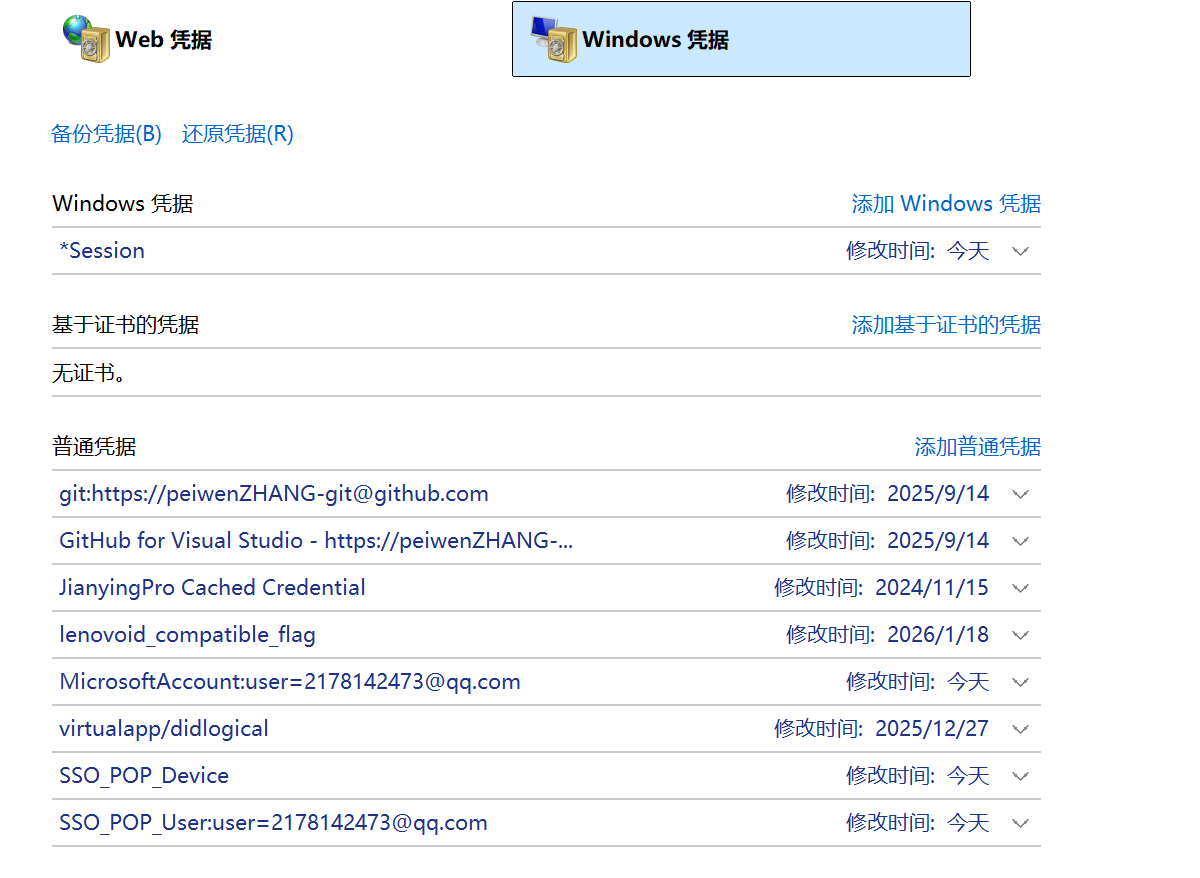
On Windows, Git may still use an old GitHub account credential.
Solution:
I opened **Windows Credential Manager**, removed the old GitHub credentials, logged in again, and then pushed successfully.
4.2 Problem 2: CSS does not work on GitHub Pages
Problem:
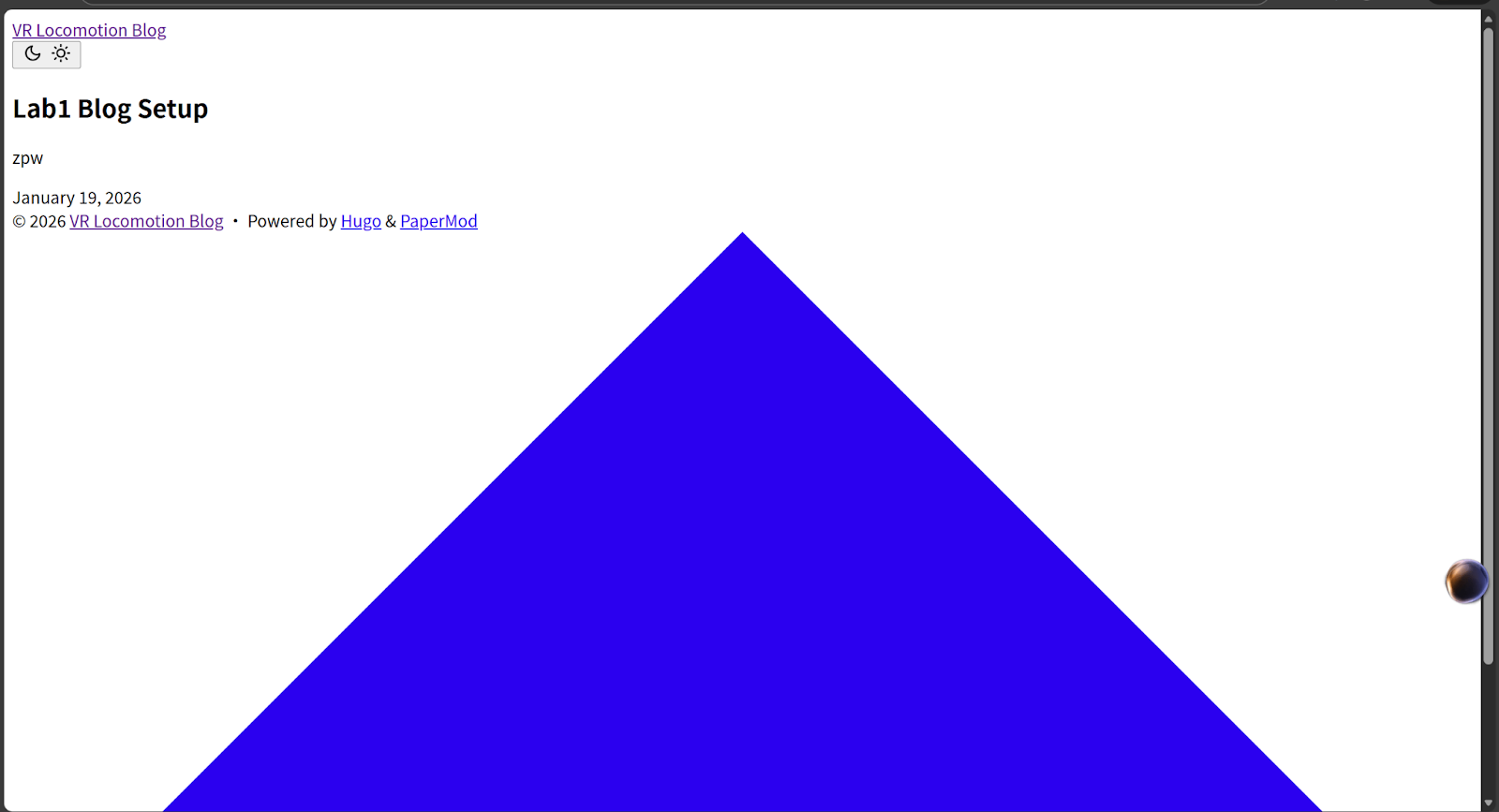
The website could open, but the CSS style was missing. The page looked like plain HTML.
Reason:
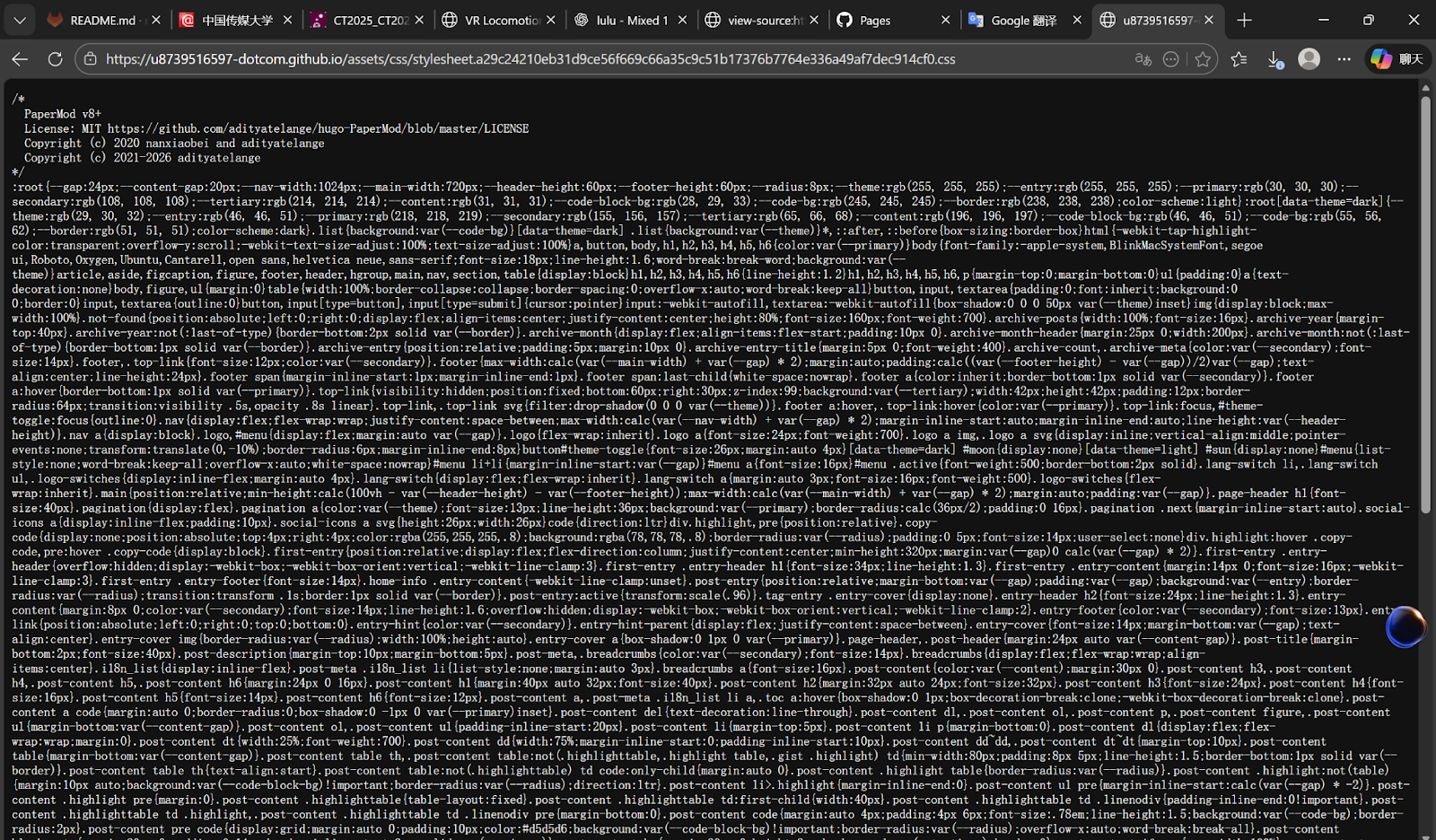
PaperMod uses fingerprinting and SRI checks for assets. In the GitHub Pages environment, this caused asset loading issues.
Solution:
I disabled the fingerprinting-related options in the Hugo configuration file, regenerated the docs folder, and pushed again. After that, the theme worked correctly.
5. Current Status and Next Plan
Current status:
1. GitHub Pages website is online and accessible
2. Theme style works correctly
3. Repository structure follows the docs publishing requirement
Next plan:
I will continue using this blog to publish future lab work, including Unity experiments, screenshots, and reflections.